v1.1.0
Released on 25 Nov 2025
UI Changes
UX
Features
Fixes

UI improvements, Password + OTP login, Release notes, Ruleset description

UI Changes

  • Non-ASCII Model Name Support: Model names can now include extended Unicode characters (e.g. School Building Model_TODELLAPITKÄSELITYS_MISSÄONMUNRUÅTTALINENÅ20251030.ifc). Fully functional.
  • Model Name Expansion: Input field widened to accommodate long names.
  • Updated Icons: Refreshed error, pass, and irrelevant status icons for clarity.
  • Resizable Rule Panel: Users can resize the rule panel for flexible layout.
  • Rule Hierarchy Spacing Fix: Inconsistent spacing corrected and structure improved.
  • Visual division into folders, GKR and rules (with Icons)
  • "Only show rules with errors" default set to OFF
  • Further extension of the rule panel

UX Changes

  • "Notify me" check execution notification flow improved.
  • Assignment of models to their respective issues in generated PDF output.
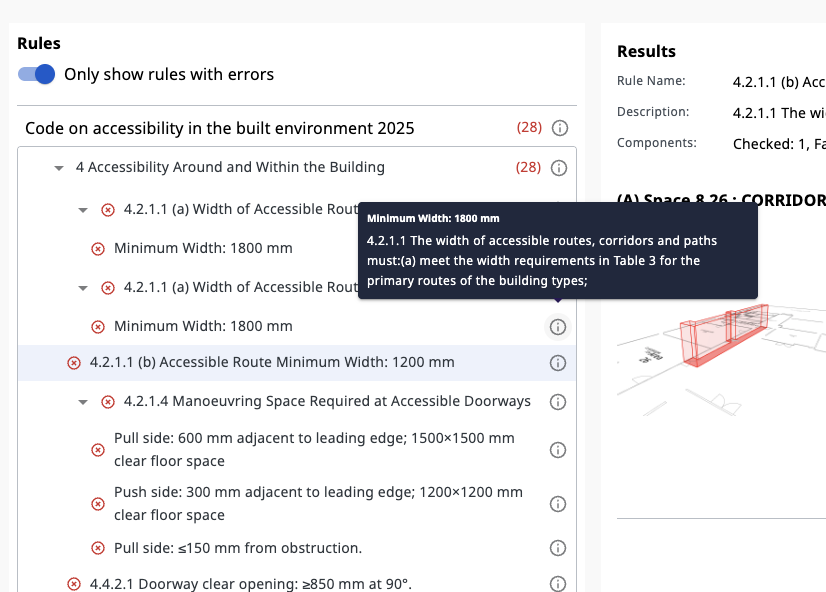
  • Rule description now displayed in Web view and included in PDF exports.
  • Release notes are now documented and accessible directly inside the Web Checker interface.
  • Version number creation & tracking process formalized
Ruleset description panel Ruleset description panel displaying hierarchical rule metadata. Hover the information (i) icon to reveal the full rule description.
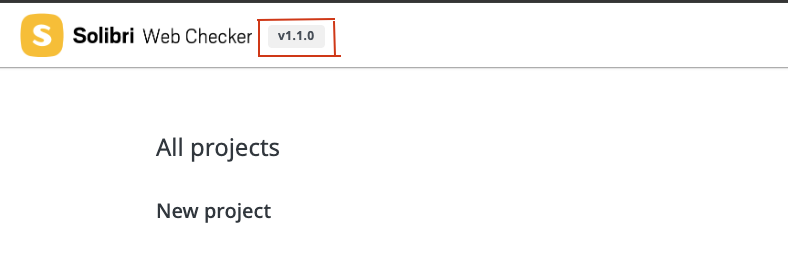
Application header version number badge Version number badge in the application header. Click the version to open these release notes and view details for the current build.

Features

  • OTP (One-Time Password) Login implemented (multi-factor path).